undefined Logo

AI Powered High-Quality Online Tools For Everyone!

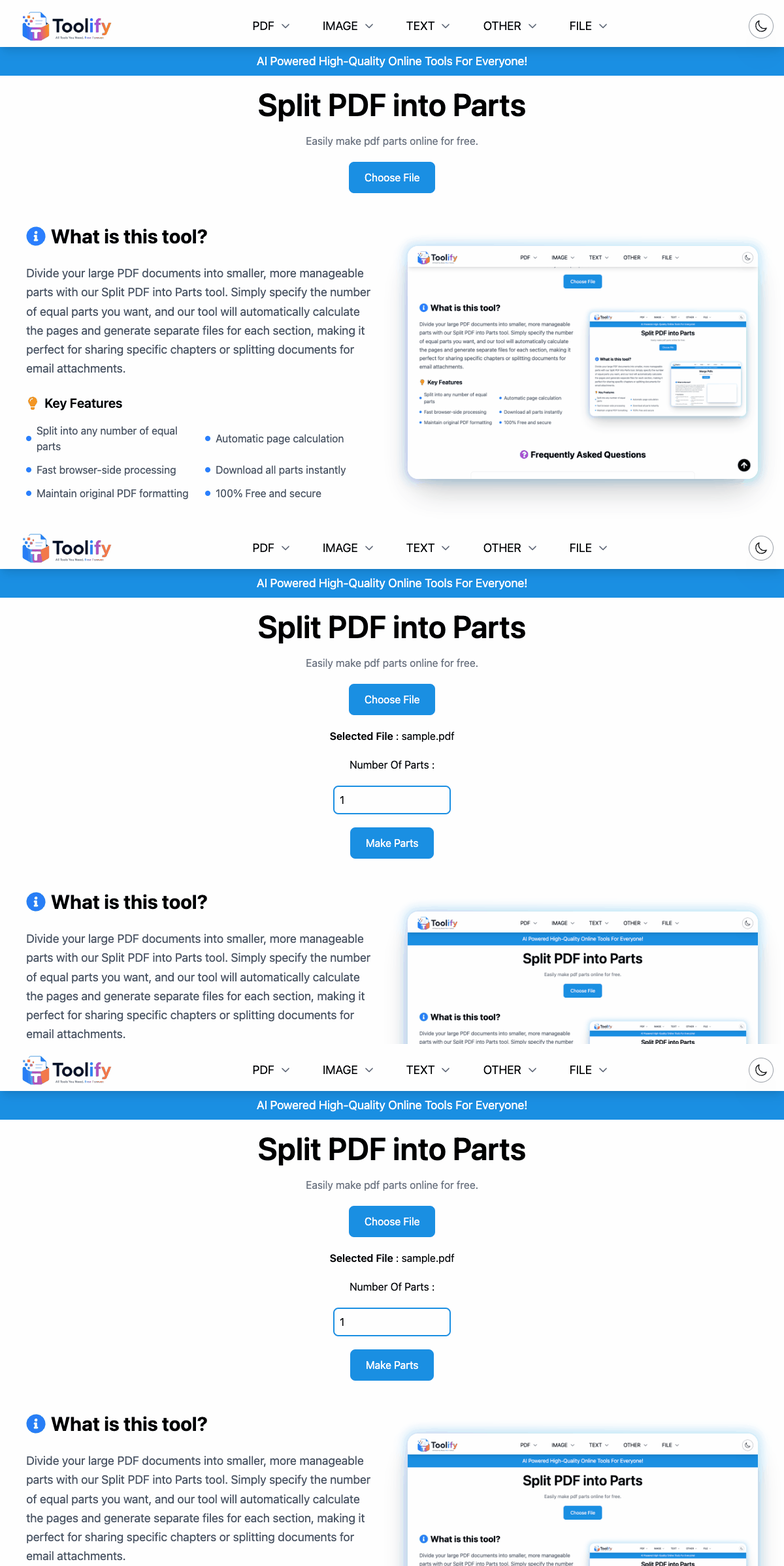
Split PDF into Parts

Easily make pdf parts online for free.

What is this tool?

Effortlessly divide your large PDF documents into smaller, more manageable sections with our specialized Split PDF into Parts tool. This tool is perfect for users who need to break down massive files—like digital books, long corporate reports, or academic journals—into equal segments for easier sharing, uploading, or systematic review. Simply specify how many parts you want, and our intelligent algorithm will automatically calculate the optimal page distribution for each part. Designed with a focus on privacy and high-speed performance, the entire splitting process happens locally in your web browser. Your files are never uploaded to any server, ensuring that your data remains 100% secure and confidential at all times. It's a completely free and powerful way to organize your digital documents without needing complex software.
Key Features

  • Split into any number of equal parts
  • Automatic page calculation
  • Fast browser-side processing
  • Download all parts instantly
  • Maintain original PDF formatting
  • 100% Free and secure
Tool Preview

Frequently Asked Questions

Our professional splitting engine takes the total page count of your PDF and intelligently divides it by the specific number of parts you request. If the document's length is not perfectly divisible by your input, the tool automatically adjusts the distribution so that all resulting segments are as equal in size as possible. Any remaining pages from the calculation are seamlessly added to the final segment to ensure no content is lost or misplaced. This automated approach eliminates the need for manual page counting and ensures a consistent, logical breakdown of your large documents every time. It's the most efficient way to prepare long-form content for systematic review or multi-part distribution.
Absolutely, as our splitting process utilizes a direct, lossless page extraction methodology that maintains the technical integrity of every element. This means that all high-resolution images, complex vector graphics, embedded fonts, and internal hyperlinks are preserved perfectly in each of the new smaller files. There is no re-compression, flattening, or lossy encoding involved, so the resulting parts will look exactly as sharp and clear as the original master document. This is critical for professionals who need to maintain searchable text and clear visuals for technical manuals or academic publications. You can trust our tool to deliver professional-grade precision for even the most complex PDF architectures.
Yes, absolute data security and user privacy are the core foundational pillars of our platform's service model. Because the entire splitting utility runs natively within your web browser using secure JavaScript, your sensitive documents are never transmitted over the internet to a remote server. This 'zero-server' architecture provides the highest possible level of confidentiality for handling legal contracts, proprietary business reports, or private financial information. You have full and exclusive control over your digital assets throughout the entire transformation workflow, and the tool can even be used offline once the page has successfully loaded. We believe that professional document management should never compromise your digital security.
This specific utility is optimized for the rapid creation of equal segments from a larger master document. If your project requires more granular control—such as extracting only specific, non-contiguous page ranges (like pages 5-10 and then 20-25)—we recommend using our dedicated 'Split PDF' tool instead. That tool offers the specialized interface needed for individual page selection and custom extraction tasks. However, if you simply need to break a massive file into smaller, equally sized pieces for easier handling or uploading, this 'Parts' tool is the fastest and most efficient solution available. We provide a variety of tools to ensure you have the right utility for every specific document management need.
Once the local processing engine has finished creating your segments, your web browser will automatically initiate a series of download prompts for each individual part. It is important to note that if you are splitting a document into a large number of parts, your browser might trigger a standard security notification asking for permission to 'Allow multiple downloads' simultaneously. Simply click the 'Allow' button to ensure all your refined files are saved to your device's local storage in one smooth, automated operation. This high-speed download process ensures that your multi-part assets are ready for immediate use without any manual saving steps. We aim to provide a frictionless workflow that maximizes your digital productivity.

Free AI Powered Web Tools

We are 100% free to use (We also do OCR without asking for registration). For our most loyal supporters, Discover the boundless possibilities with our suite of free AI-powered web tools that is meant to empower everyone. Our platform leverages the power of the latest artificial intelligence technology and provides you with a variety of intuitive and innovative solutions designed according to your needs. From easy AI writing content to powerful PDF & image processing tools, we develop software with an emphasis on simplicity and usability. No matter if you are a student or professional writer or just want to be a prolific blogger, our intuitive interface and best-in-class AI algorithms makes it easy to quickly produce high quality content. Discover the next generation of online tools now by exploring these modern artificial intelligence powered web apps.

Ai Images